























ATOM Printer
SKU:K118
Description
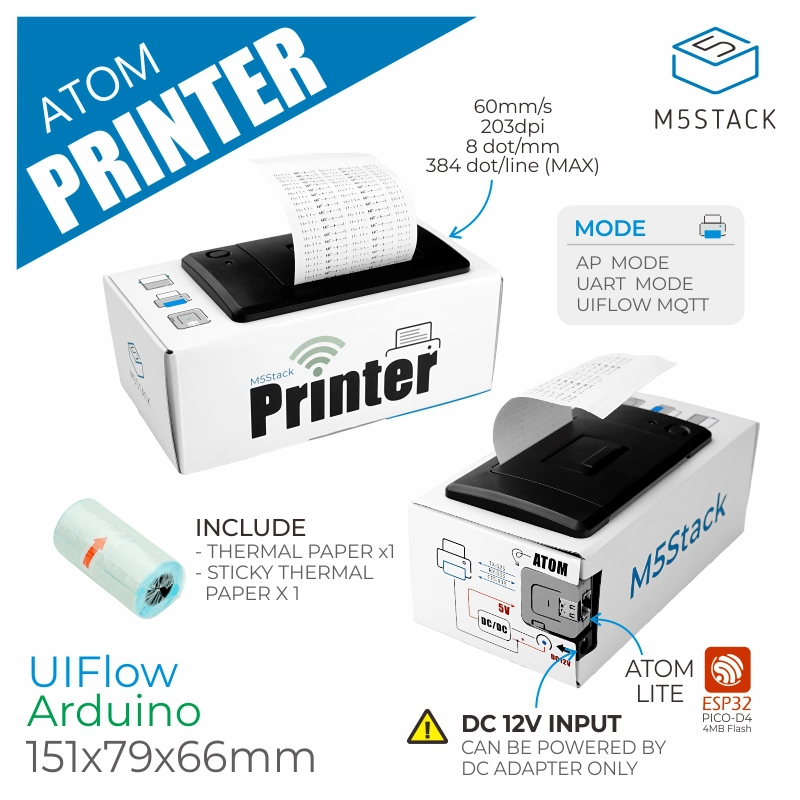
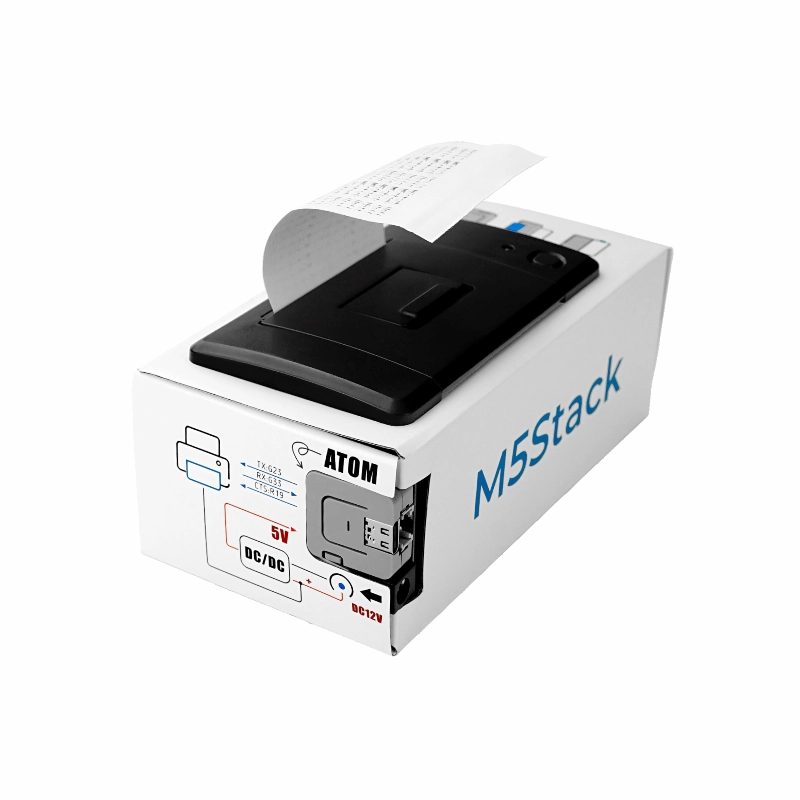
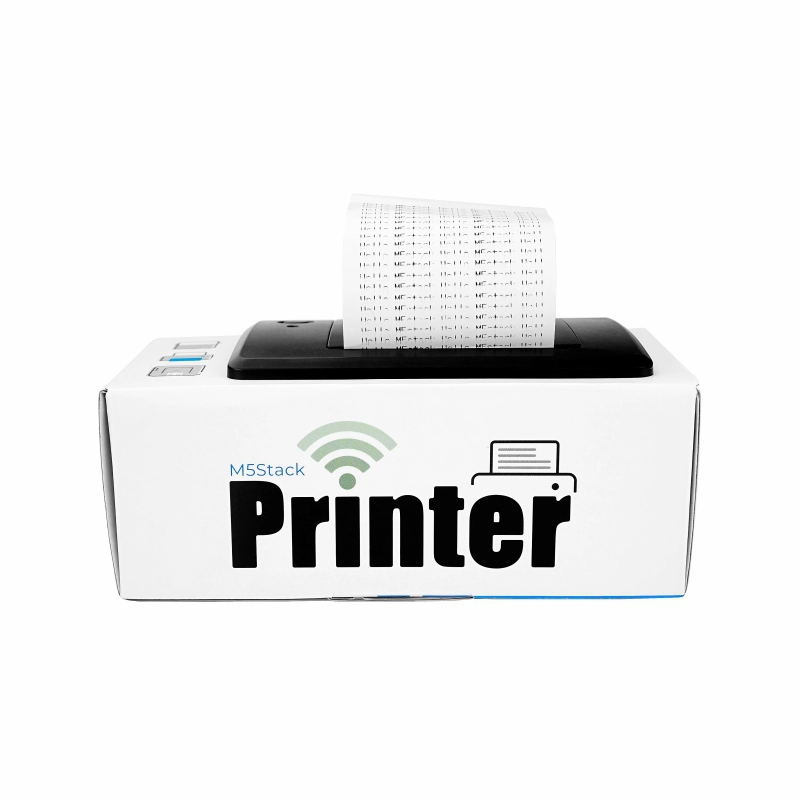
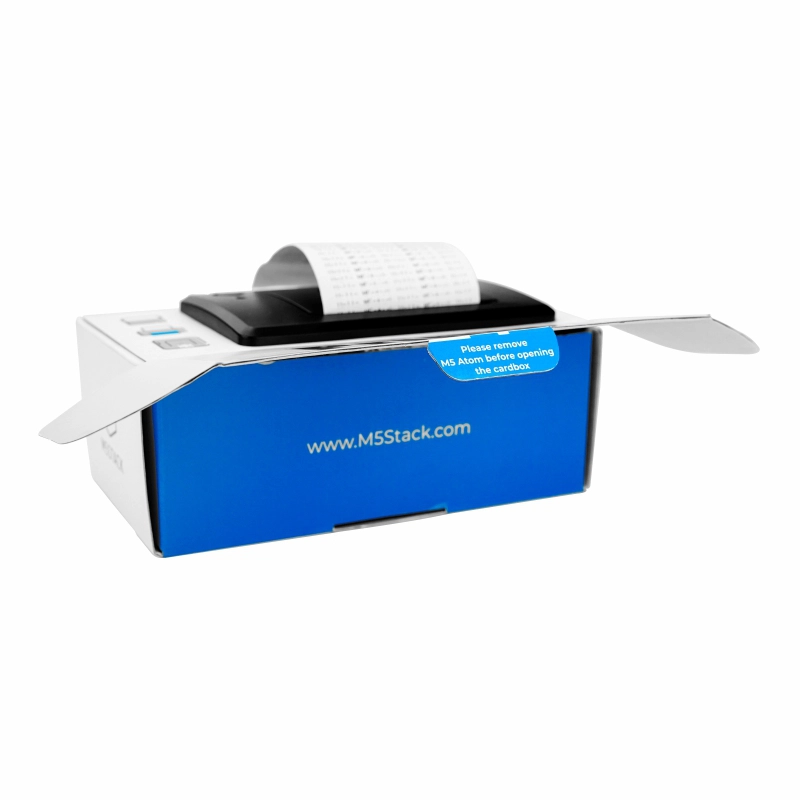
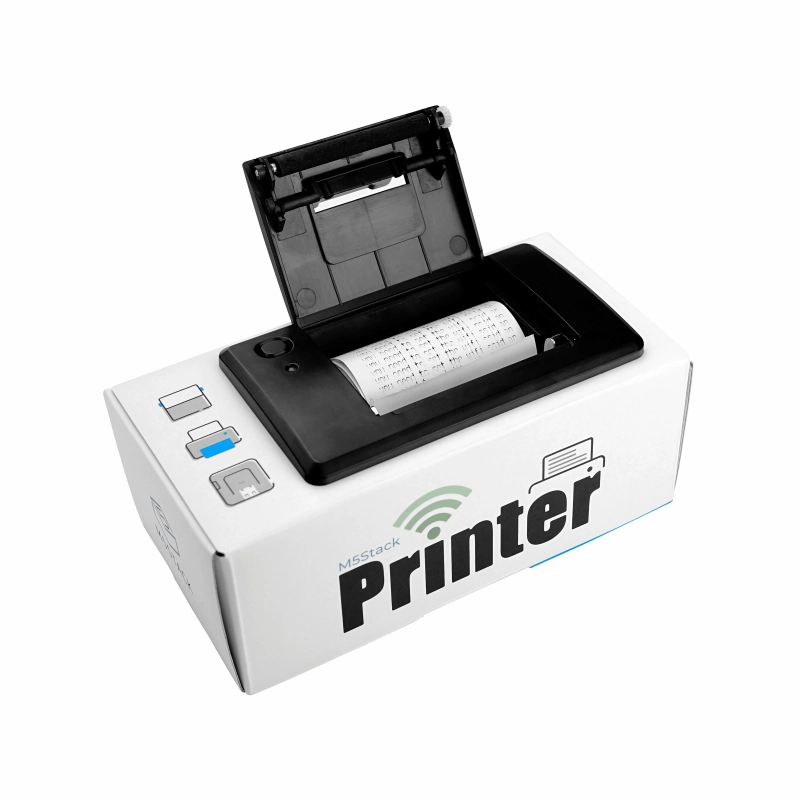
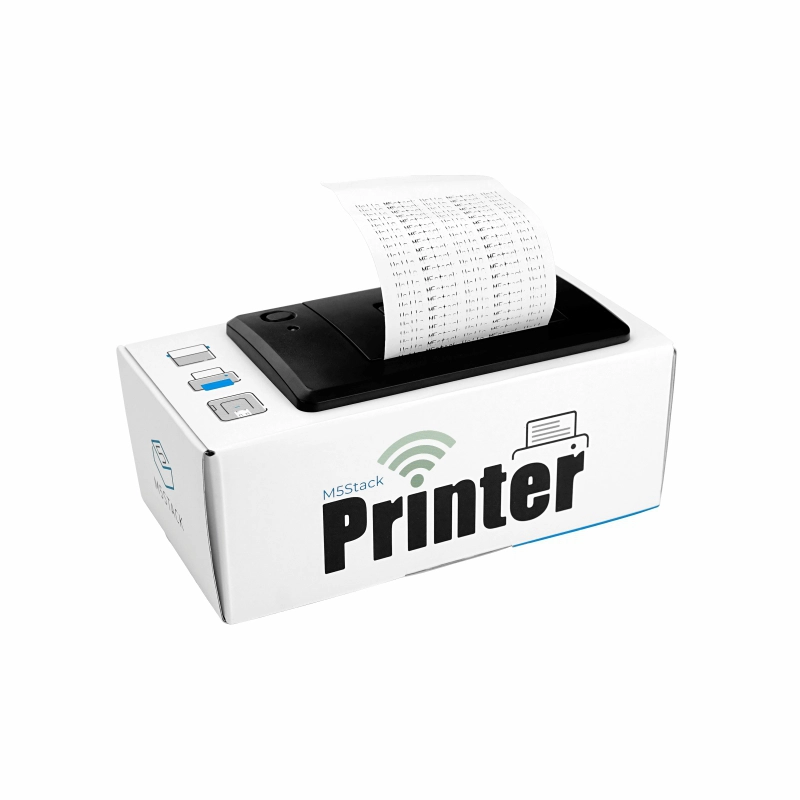
ATOM Printer offers the best value in a desktop DIY thermal printer, includes an ESP32-Pico based IoT controller ATOM Lite, and a 58mm thermal printer to meet your multiple printing requirements. Supports text, graphics, barcode, QR code printing. The ATOM Printer has geekery kraft packaging design, built-in firmware boasts two modes of AP Connect Print + MQTT Notifications Print . You can enrich your creation, fun and practical with ATOM Lite IoT controller.
DC 12V / 2.5A power adapter (5.5mm jack) is recommended.Product Features
- ATOM Lite: ESP32-Pico-D4 4MB Flash IoT controller
- Sleek, Geekery kraft packaging design
- Supports for text/graphics/BarCode/QRCode
- Communication interface: UART
- Fast printing, high resolution
- How to use:
- AP hotspot connection, web-controlled printing
- Printing content sent via MQTT (Topic is device Mac address)
- Serial command control (UART 9600bps 8N1)
- Development platform: Arduino, UIFlow
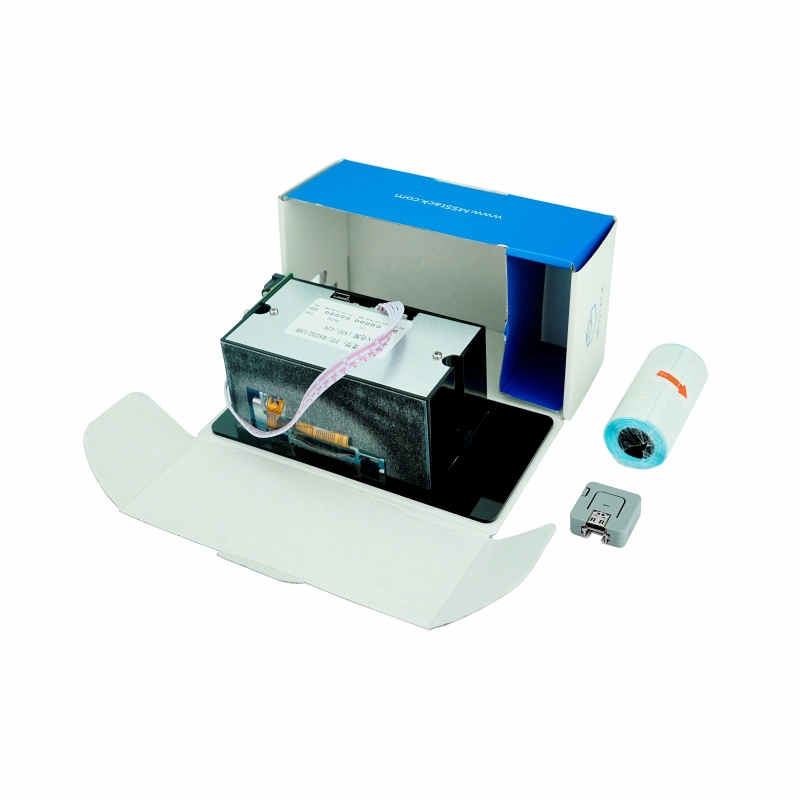
Includes
- 1x ATOM LITE
- 1x ATOM Printer
- 1x thermal paper roll
- 1x sticky thermal paper roll
Application
- Can be widely used in printing taxi bill, parking bill, express delivery invoice, restaurant order and so on.
Specifications
| Specifications | Parameters |
|---|---|
| Printing method | Thermal printing |
| Supported text and graphics | Text, graphics, characters, BarCode(Codebar, code93, code39, code128, ENA13, ITF25, UPC-A, UPC-E), QRCode |
| Supply voltage | DC 12V |
| Working current | 2.5A |
| Print color | Monochrome |
| Print speed/resolution | 60mm/s 203dpi 8 dots/mm up to 384 dots per line |
| Printing width | 58mm |
| Service life | Printing distance 50km |
| Paper Cut | By Hands |
| Max. Diameter of Paper Roll | 58mm±0.05mm (width) 0.05~0.1mm (thickness), maximum diameter ≤40mm |
| Printing speed | 60mm/s |
| Connectivity Technology | USB/RS232/TTL (ATOM is connected to TTL interface by default UART 9600bps 8N1) |
| Net weight | 285g |
| Gross weight | 321g |
| Product size | 151 * 79 * 66mm |
| Package size | 158 * 82 * 70mm |
EasyLoader
EasyLoader is a simple and fast program burner, which has a built-in product-related case program, which can be burned to the main control through simple steps to perform a series of functional verification.
Download Windows Version Easyloader
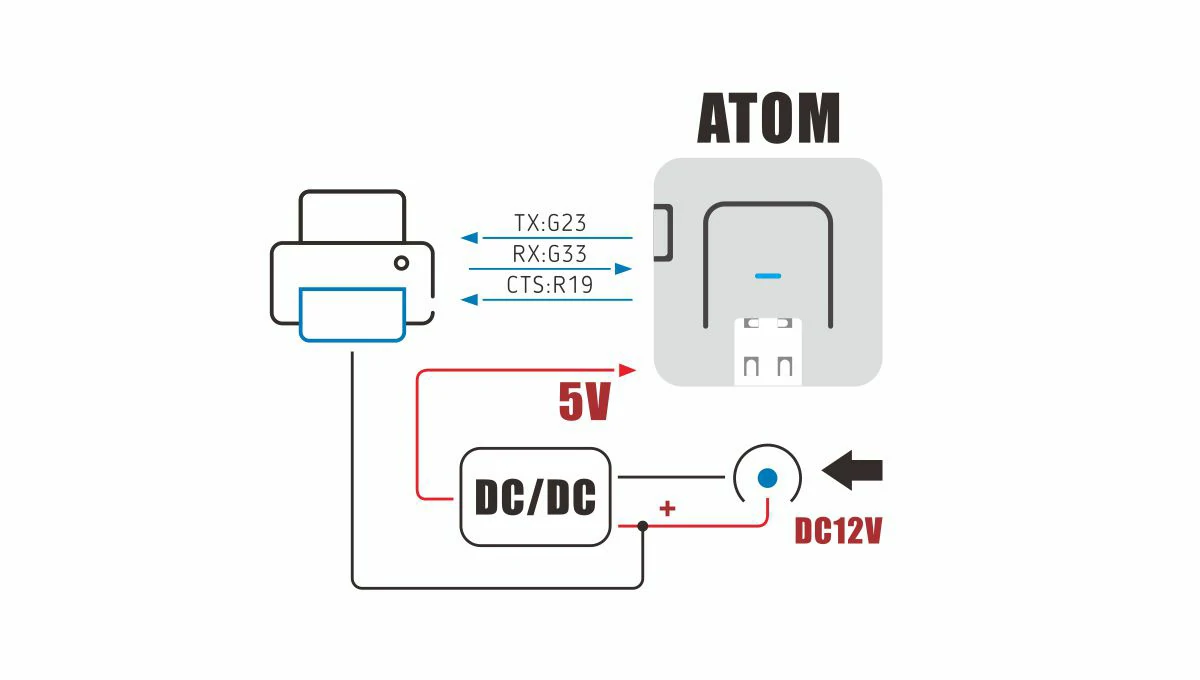
PinMap
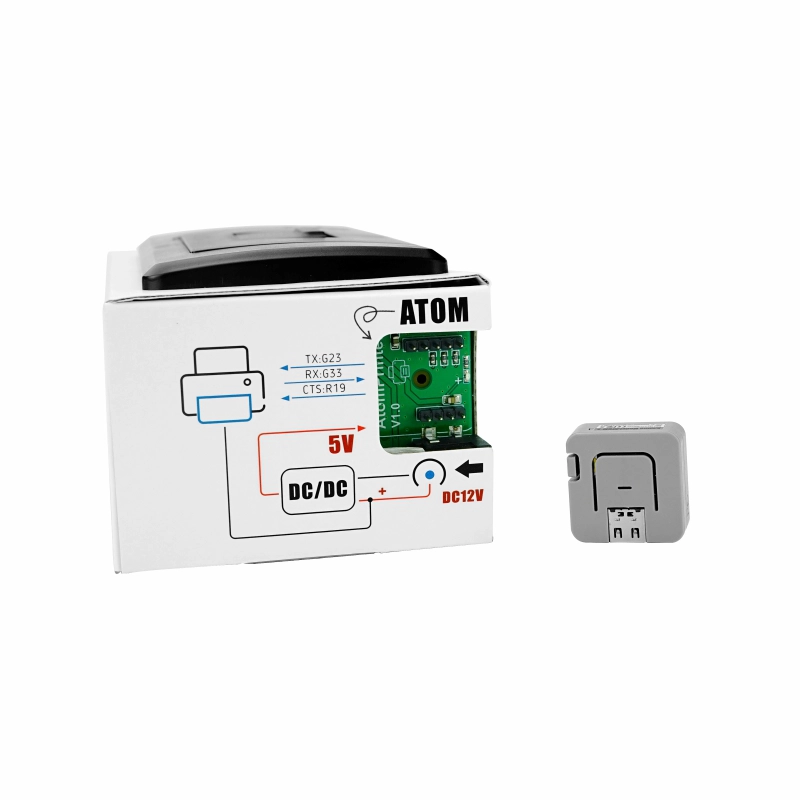
- ATOM PRINTER
| ATOM | G23 | G33 | G19 |
|---|---|---|---|
| ATOM PRINTER | TX | RX | CTS |
QuickStart
Video
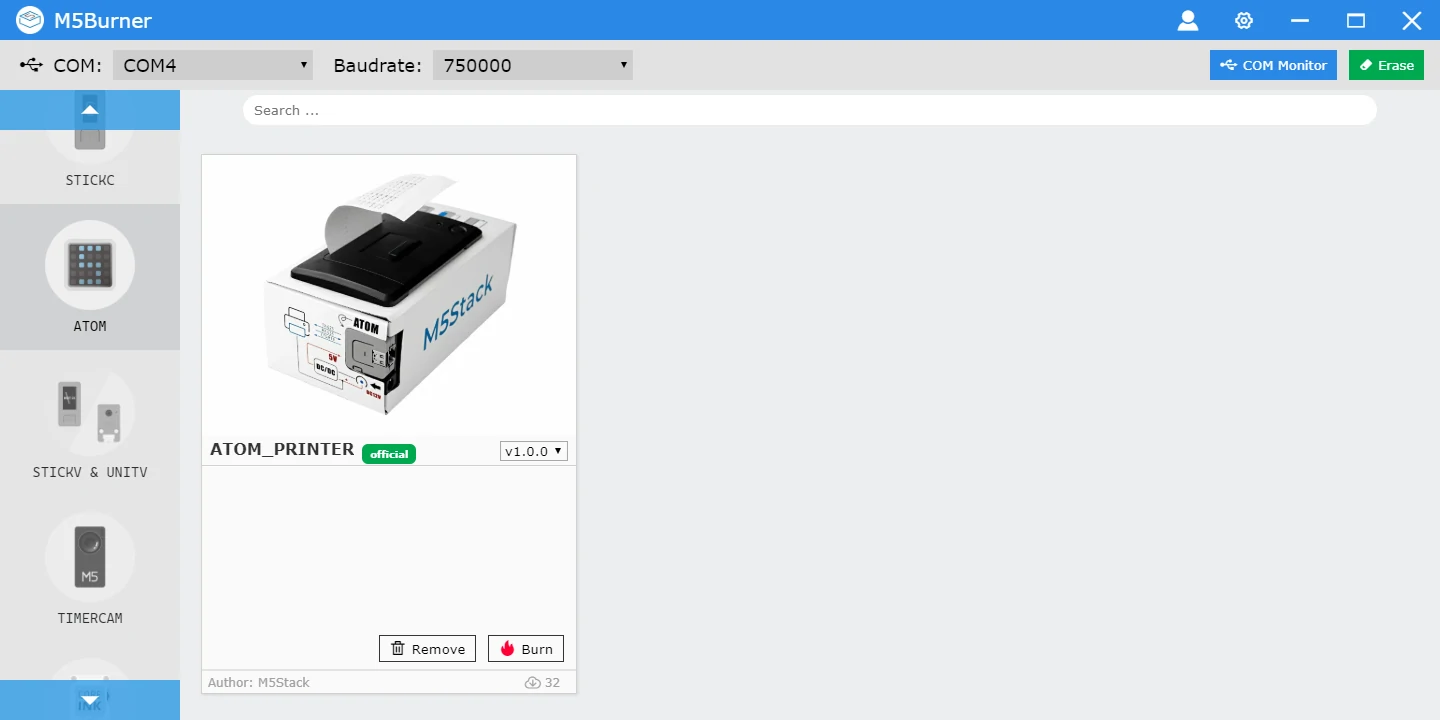
firmware burning
Click here to go to the download page to download M5Burner
, click Erase to erase flash first, and then click Burn to start burning firmware.
AP Mode
Indicator light:
- 1.When
No equipment is connected, the indicator light isGreen fast flashing. - 2.When there is
device access, the indicator light issteady green.
Instructions:
- 1.When switching to the AP mode, the device will start the AP hotspot
ATOM_PRINTER_XXXX, and the user can use a mobile phone or computer to directly connect to the AP (without password). - 2.After the connection is successful, the connected device will automatically pop up the configuration page. You can directly enter the content on this page to print text, two-dimensional code, and one-dimensional code content.
- 3.At the bottom of the page is the
WiFi configuration option, through which you can configure the device to connect to the specified WiFi and switch to work in MQTT mode.

MQTT mode
Indicator light:
- 1.When
WiFi connection failed, the indicator light isRed flashing quickly. - 2.When the WiFi&MQTT server is
not connected, the indicator light isblue fast flashing. - 3.When the WiFi&MQTT server has been
successfully connected, the indicator light issteady blue.
Instructions:
- 1.Before switching to MQTT mode, you need to
configure WiFi informationfor the device through the configuration page of AP mode. After completing the configuration, the device will automatically restart and enter MQTT mode. - 2.If there are multiple times of
WiFi connection failure, you can press the middle button of ATOM to switch to AP mode andreconfigure WiFi information. - 3.After successfully connecting to the MQTT server, ATOM Printer will automatically print out the subscribed
Topicinformation (Topic is the Mac address of the device). - Users can connect to mqtt through UIFlow or other tools (such as EMQ MQTT Tools ) at m5stack.com (port 1883). Distribute Topic content corresponding to ATOM Printer device to realize remote printing.

Arduino
Common commands
-
ATOM_PRINTER_CMD_v1.06 PDF
Setting
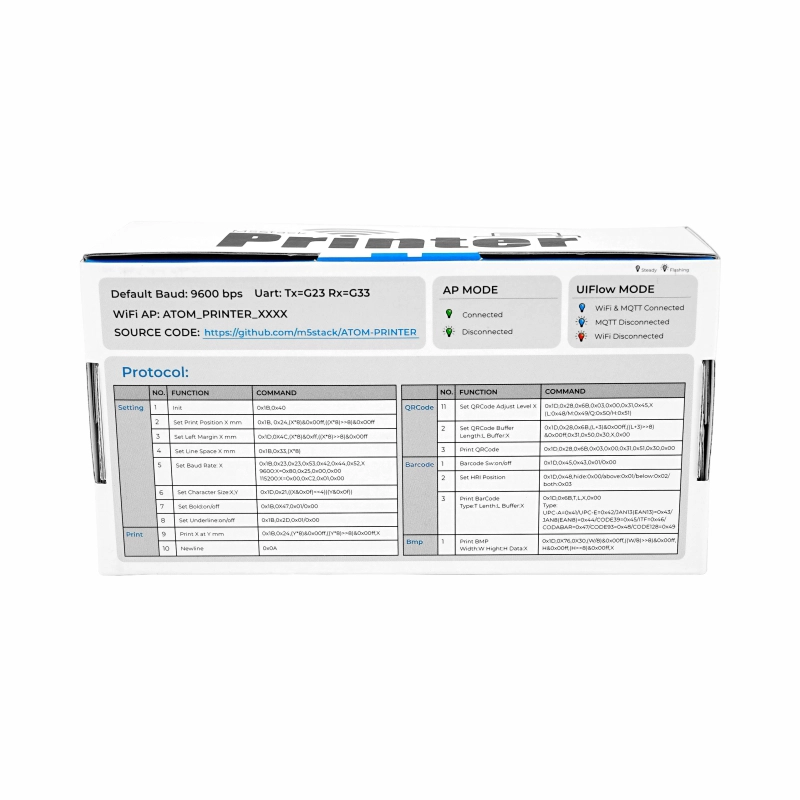
| NO | Function | command |
|---|---|---|
| 1 | Init | 0x1B,0x40 |
| 2 | Set Print Position X mm | 0x1B,0x24,(X * 8)&0x00ff,((X * 8)>>8)&0x00ff |
| 3 | Set Left Margin X mm | 0x1D,0X4C,(X * 8)&0xff,((X * 8)>>8)&0x00ff |
| 4 | Set Line Space X mm | 0x1B,0x33,(X *8) |
| 5 | Set Baud Rate: X | 0x1B,0x23,0x23,0x53,0x42,0x44,0x52,X (9600:X=0x80,0x25,0x00,0x00) (115200:X=0x00,0xC2,0x01,0x00) |
| 6 | Set Character Size:X,Y | 0x1D,0x21,((X&0x0f)<<4) |
| 7 | Set Bold:on/off | 0x1B,0X47,0x01/0x00 |
| 8 | Set Underline:on/off | 0x1B,0x2D,0x01/0x00 |
| NO | Function | command |
|---|---|---|
| 1 | Print X at Y mm | 0x1B,0x24,(Y * 8)&0x00ff,((Y * 8)>>8)&0x00ff,X |
| 2 | Set Print Position X mm | 0x1D,0x28,0x6B,0x03,0x00,0x31,0x45,X (L:0x48/M:0x49/Q:0x50/H:0x51) |
QRCode
| NO | Function | command |
|---|---|---|
| 1 | Set QRCode Adjust Level X | 0x1D,0x28,0x6B,0x03,0x00,0x31,0x45,X (L:0x48/M:0x49/Q:0x50/H:0x51) |
| 2 | Set QRCode Buffer Length:L Buffer:X | 0x1D,0x28,0x6B,(L+3)&0x00ff,((L+3)>>8)&0x00ff,0x31,0x50,0x30,X,0x00 |
| 3 | Print QRCode | 0x1D,0x28,0x6B,0x03,0x00,0x31,0x51,0x30,0x00 |
BarCode
| NO | Function | command |
|---|---|---|
| 1 | Barcode Sw:on/off | 0x1D,0x45,0x43,0x01/0x00 |
| 2 | Set HRI Position | 0x1D,0x48,hide:0x00/above:0x01/below:0x02/both:0x03 |
| 3 | Print BarCode Type:T Length:L Buffer:X | 0x1D,0x6B,T,L,X,0x00 Type: UPC-A=0x41/UPC-E=0x42/JAN13(EAN13)=0x43/JAN8(EAN8)=0x44/CODE39=0x45/ITF=0x46/CODABAR=0x47/CODE93=0x48/CODE128=0x49 |
Bmp
| NO | Function | command |
|---|---|---|
| 1 | Print BMP Width:W Hight:H Data:X | 0x1D,0X76,0X30,(W/8)&0x00ff,((W/8)>>8)&0x00ff,H&0x00ff,(H>>8)&0x00ff,X |
Video
- Print log of PM2.5 module to ATOM Printer with MQTT